 Flicks
Heist look · Wide · 7s · Preview 480p
Closing night at an old cinema. A worker on a ladder takes the marquee letters down one by one in the rain.
Movie clips and short films you make yourself. Pick your characters and a place, say what happens, choose a look, and Flicks makes the clip in widescreen with sound. Then make the next one.
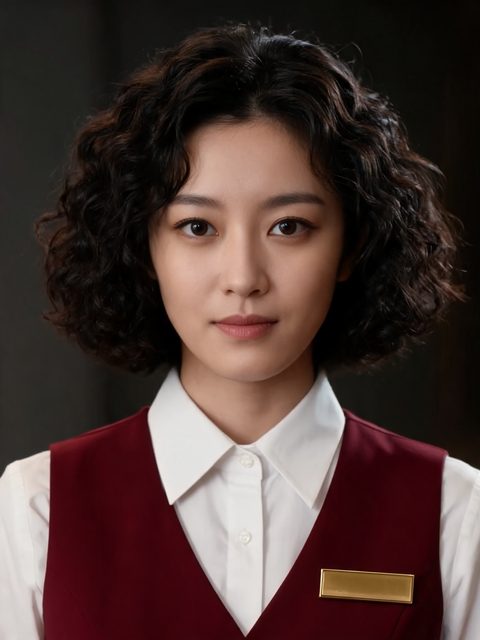
Danica leans into the projection booth with her torch and whispers, "You have forty minutes."
As described
Heist
Two people · 6s
Example clips made in the studio. Click any of them to see how it was set up.
Choose a character or create your own, then dress them, hand them a prop and give them a voice. Pick where the clip happens.
Write the moment and what they say. Choose a look like Noir or Western, how close the camera is and how long the clip runs.
Flicks makes the clip in widescreen with sound. Keep it, make it again, or start the next clip with the same cast and place.
Heist look · Wide · 7s · Preview 480p
Closing night at an old cinema. A worker on a ladder takes the marquee letters down one by one in the rain.
Heist look · Medium · 7s · Preview 480p
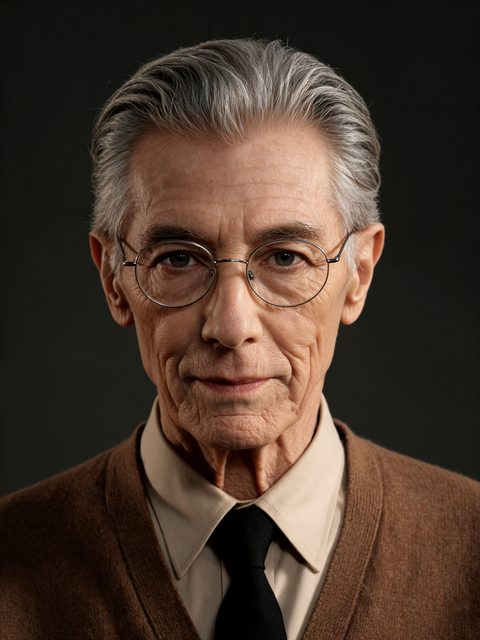
Roderick threads the last reel into the projector and says quietly, "They never asked what was in the vault."
Heist look · Two people · 6s · Preview 480p
Danica leans into the projection booth with her torch and whispers, "You have forty minutes."
Heist look · Detail · 5s · Preview 480p
A hand turns an old brass key in a vault door that has not opened in years. The lock clunks open.
Heist look · Close-up · 6s · Preview 480p
Roderick reads the faded label on a dusty film canister and stops breathing.
Heist look · Over the shoulder · 7s · Preview 480p
The cinema manager appears in the doorway behind them. "Projection is over."
A look sets the light, colour, camera and sound of a clip. The same moment comes out differently as a heist, a ghost story or a comedy.
Describe it, add your characters, and make it.